Video analytics that show how every viewer engages
Measure views, watch time, engagement, completion, drop-off, and viewer activity across every video. Use heatmaps and individual viewer timelines to see what works and where attention breaks down.
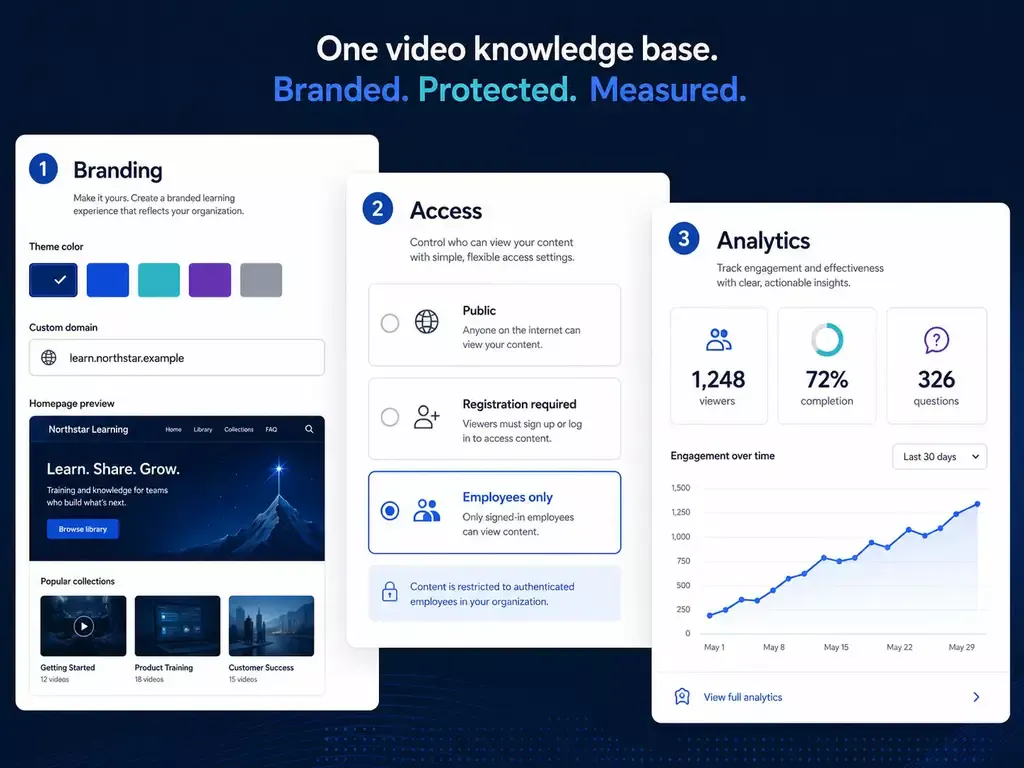
Understand what people watched - and how they watched it
Move beyond a play count. Cincopa combines aggregate performance with individual viewer behavior so teams can diagnose attention, compare content, and improve the next version.
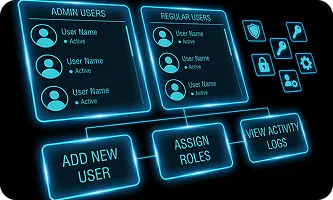
Measure video performance
Track plays, unique viewers, watch time, engagement, and completion across a selected timeframe, individual asset, or video library.
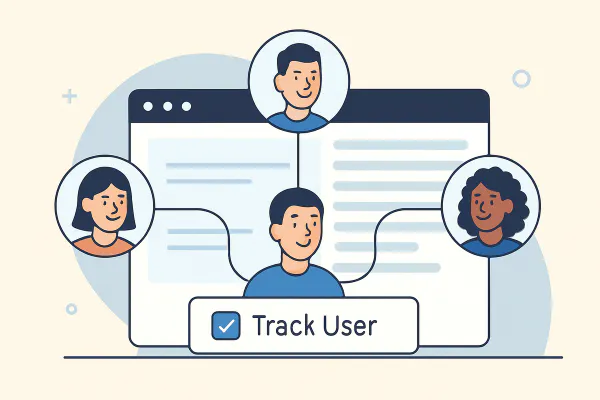
Find replays, skips, and drop-off
Video heatmaps reveal the exact moments viewers rewatch, skip, or abandon so you can shorten, clarify, reorder, or replace weak sections.
Understand the individual journey
Review the viewing timeline, engagement rate, page, device, country, and—when identity is captured—the viewer's name and email.
Analyze the whole library, then inspect the moment that matters
Start with the performance trend, move into a specific video, and then inspect the viewer-level activity behind the number.
Performance dashboard
Compare aggregate video performance across a selected timeframe and see how engagement changes over time.
- Views, unique viewers, watch time, and engagement
- Performance trends for videos and collections
- A clear starting point for deeper analysis
Live viewer activity
See recent viewing activity with the page, country, device, engagement rate, and a heatmap for each session.
- Connect aggregate metrics to real viewing sessions
- Identify viewers when your form, merge tags, or API provides identity
- Understand where and how the video was watched
Video heatmaps
Inspect second-by-second behavior to see where attention rises or falls.
- Spot repeat viewing and high-interest moments
- Find skips, exits, and completion barriers
- Use evidence to improve structure and pacing
See the trend and the viewer behind it
Aggregate analytics help you compare performance. Viewer analytics explain the behavior that produced it.
Measure content performance at scale
Use library and video-level metrics to compare campaigns, training programs, product education, and other published video experiences.
Follow each viewing session
Use viewer timelines and heatmaps to understand how one person moved through the video and where their attention changed.
Turn viewing behavior into better video
Use the same practical loop for marketing, product education, training, sales, and customer communication.
-
01
Measure the baseline
Review plays, unique viewers, watch time, engagement, and completion for the video or collection. -
02
Diagnose attention
Use heatmaps and viewer timelines to find strong moments, replayed sections, skips, and drop-off. -
03
Compare the audience
Segment the result by page, destination, device, country, campaign, or identified viewer context available to your deployment. -
04
Improve and activate
Revise the content, promote the strongest moments, and send supported engagement events into your marketing or CRM workflows.
Measure video in the context where people use it
The same behavioral signals answer different business questions across marketing, education, training, and sales.
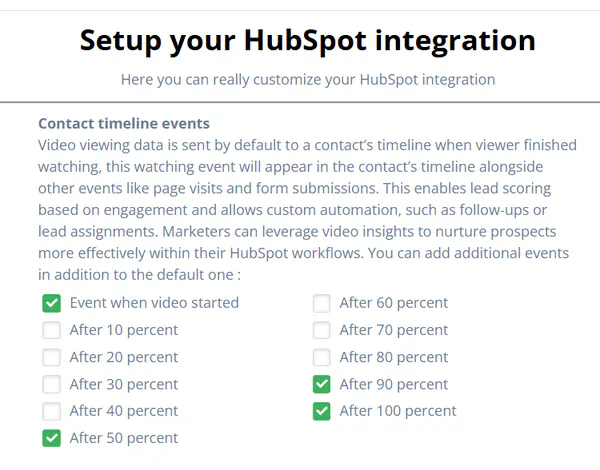
See which videos earn attention
Compare campaign videos, measure viewing depth, find high-interest moments, and connect engagement to the next marketing action.
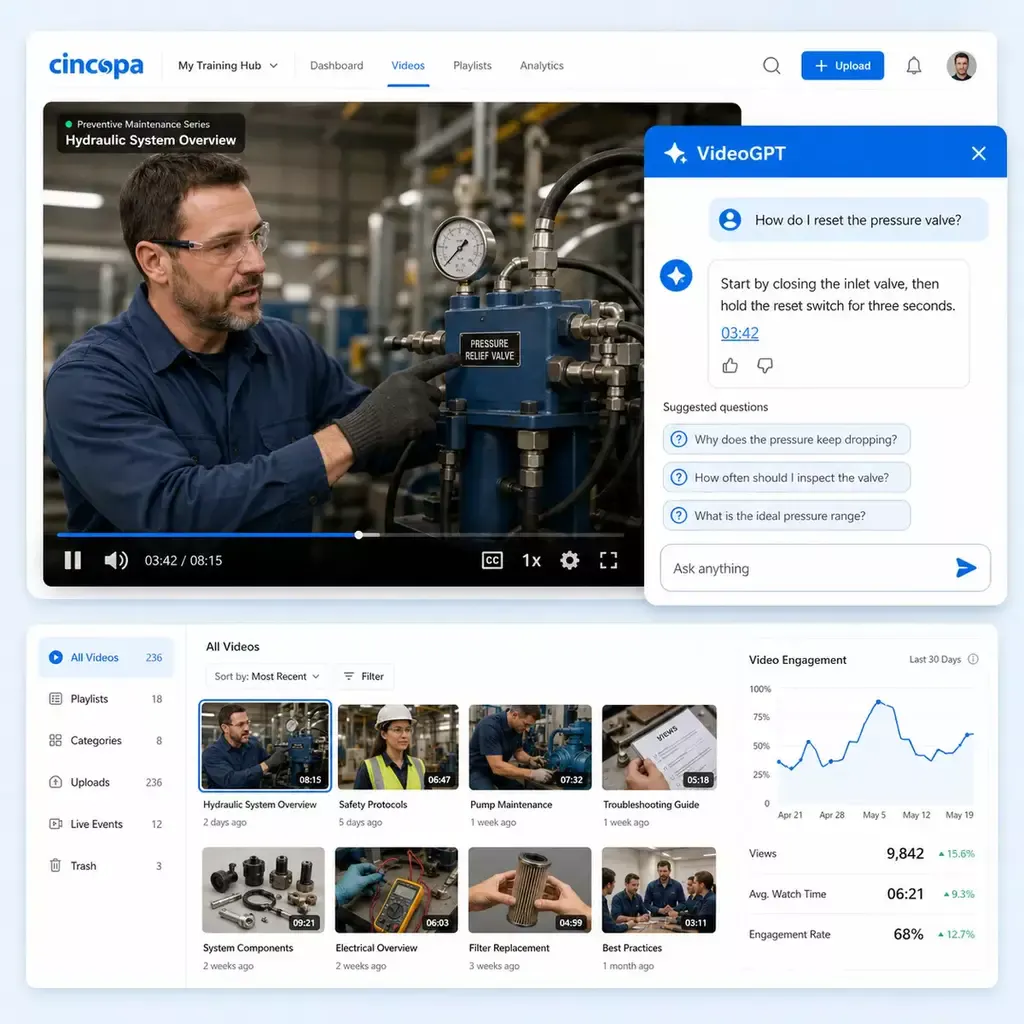
Find friction in product guidance
See whether onboarding, demos, feature walkthroughs, and release videos are completed, replayed, skipped, or abandoned.
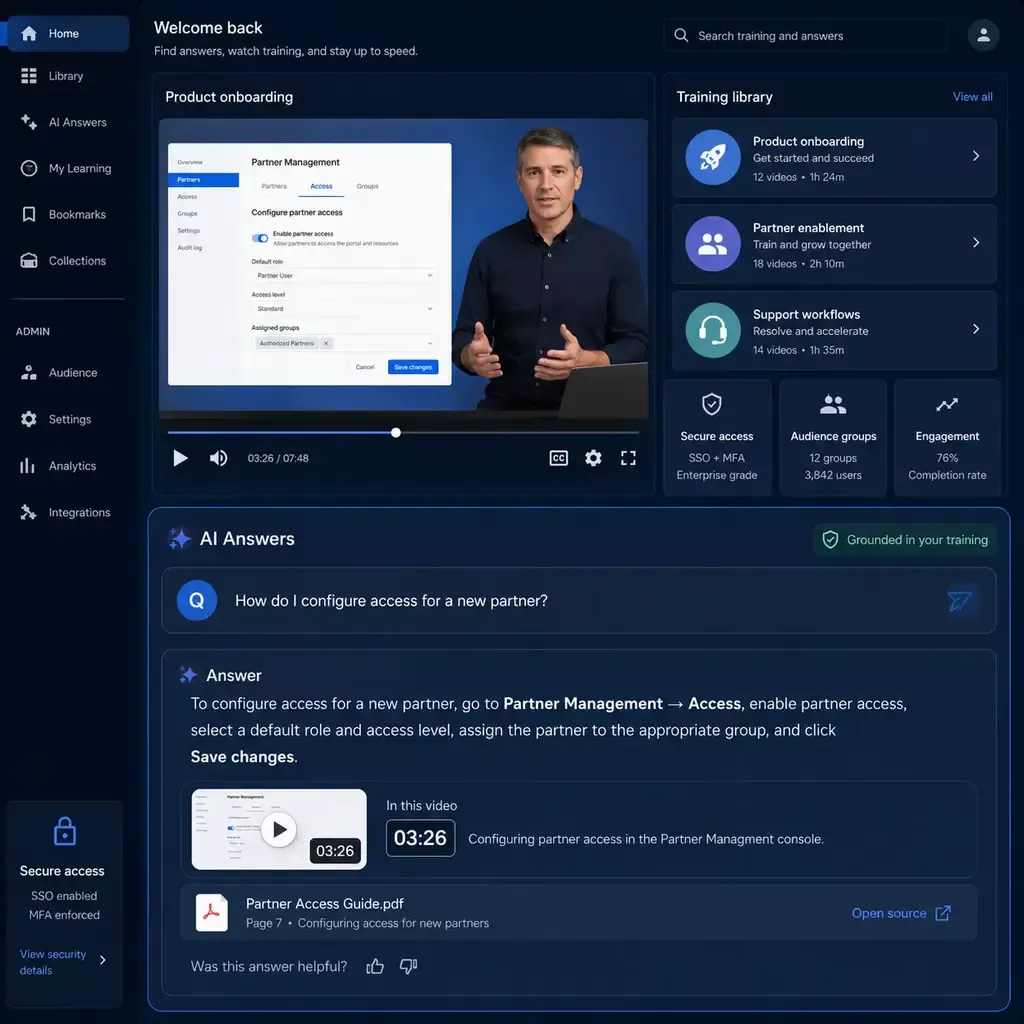
Measure participation and completion
Understand how learners consume training content and where a lesson may be too long, unclear, or out of sequence.
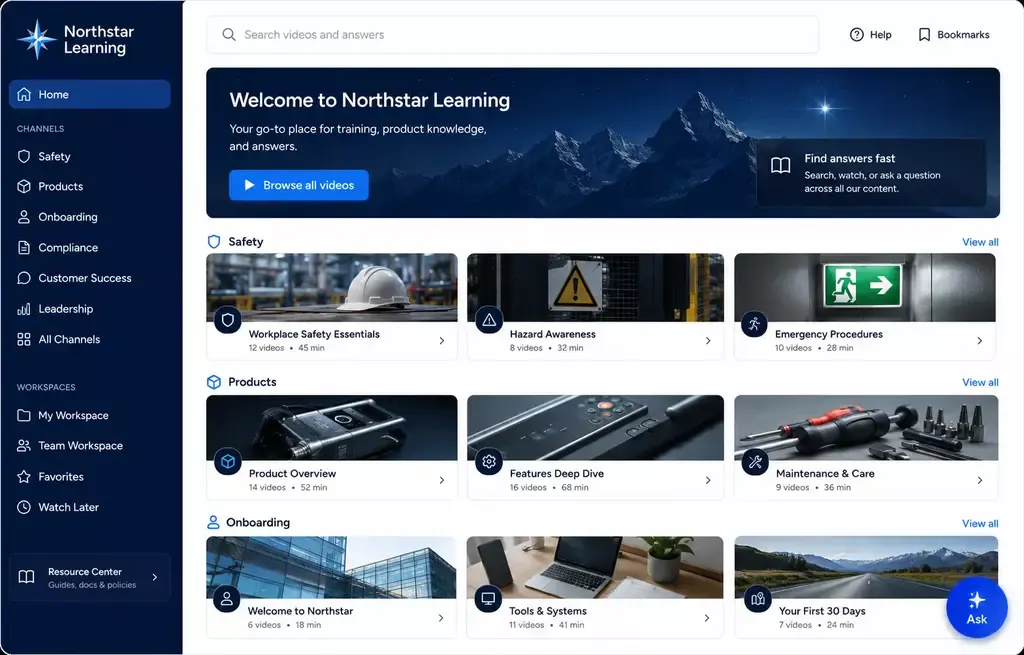
Prioritize informed follow-up
Use viewer activity to understand which demos, presentations, and customer videos received meaningful attention.
Video analytics show what people watched. VideoGPT Insights shows what they needed to know.
The VideoGPT layer is optional. Keep conventional video analytics on their own, or add question intelligence to selected knowledge libraries when teams also need to understand intent, confusion, and missing content.
Keep video analytics as the core
Use Cincopa video analytics independently for views, watch time, engagement, heatmaps, drop-off, and viewer activity.
- No VideoGPT deployment is required
- Keep existing player, embed, and reporting workflows
- Measure viewing behavior across every hosted video
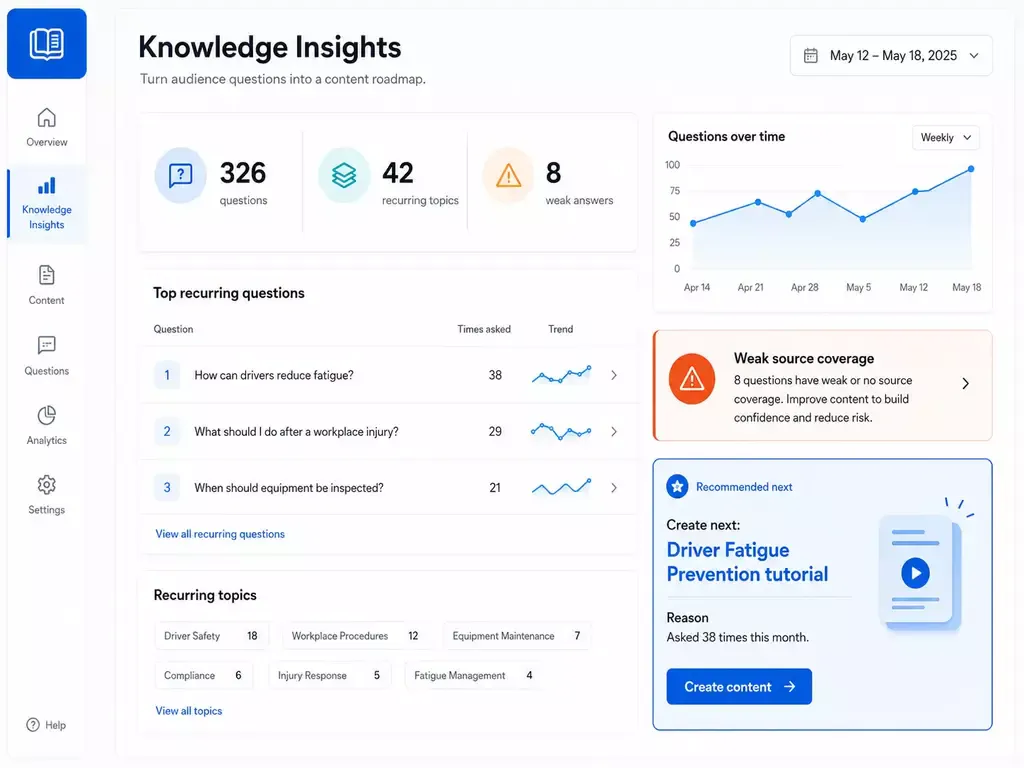
Add question intelligence where it helps
Enable VideoGPT Insights for selected libraries to see the questions people asked, repeated-question patterns, weak-answer signals, and topics that may be missing or unclear.
- Compare consumption with question intent
- Prioritize content updates from real audience needs
- Keep the feature optional by collection or use case
Questions about video analytics and VideoGPT Insights
Video analytics remains the primary capability on this page. VideoGPT Insights is an optional second layer for question and knowledge-gap analysis.
Cincopa provides views, unique viewers, watch time, engagement, completion, heatmaps, drop-off behavior, and viewer activity so teams can understand how audiences consume video.
A video heatmap shows how an individual viewer moved through a video, including watched sections, repeat viewing, skips, and where the session ended.
Cincopa can connect activity to an identified viewer when identity is supplied through supported forms, email merge tags, an API, or the surrounding authenticated experience. Otherwise, activity can remain anonymous.
Supported integrations and engagement events can help teams use viewing behavior in marketing automation, CRM, and follow-up workflows. Confirm the exact event and integration requirements during solution design.
Video analytics measures what people watched and how they engaged. VideoGPT Insights analyzes what people asked, repeated questions, answer feedback, weak-answer signals, and possible content gaps.
No. Cincopa video analytics works without VideoGPT. VideoGPT Insights is optional and can be added only to selected libraries or experiences where question intelligence is useful.
Make every video easier to measure and improve
Start with views, watch time, heatmaps, drop-off, and viewer activity. Add optional VideoGPT Insights when you also need to understand questions, weak answers, and knowledge gaps.